
Choosing an Aircall alternative often starts with a familiar problem: a client finishes a call, you move on to the next task, and later you're trying to reconstruct the figures, decisions, and promised follow-up from memory. A phone system can keep calls moving, but that doesn't automatically make the work after each call easier.
The right choice depends on what you need to change. Some teams want a replacement business-phone platform with shared numbers, call routing, administration, and CRM connections. Independent professionals may already have a working mobile number and need only transcripts, summaries, and editable follow-up drafts without moving clients to a new number or separate phone system.
This list compares Aircall alternatives by the workflow they support, including live documentation, post-call capture, CRM handoffs, and existing-number use. The distinction matters: a sales team managing shared queues has different needs from a mortgage broker who takes client calls on an iPhone and needs accurate notes afterward.
The shift to internet-based business calling has made cloud phone systems a familiar option, but choosing a replacement isn't just about whether a tool can place a call. Buyers also need to consider number continuity, mobile reliability, integrations, call records, and what happens to follow-up. The options below cover full communications platforms as well as the narrower documentation workflow. VoxNote is one example of the latter, built around documenting calls on an established iPhone number rather than replacing a team's phone system.
Table of Contents
1. Dialpad
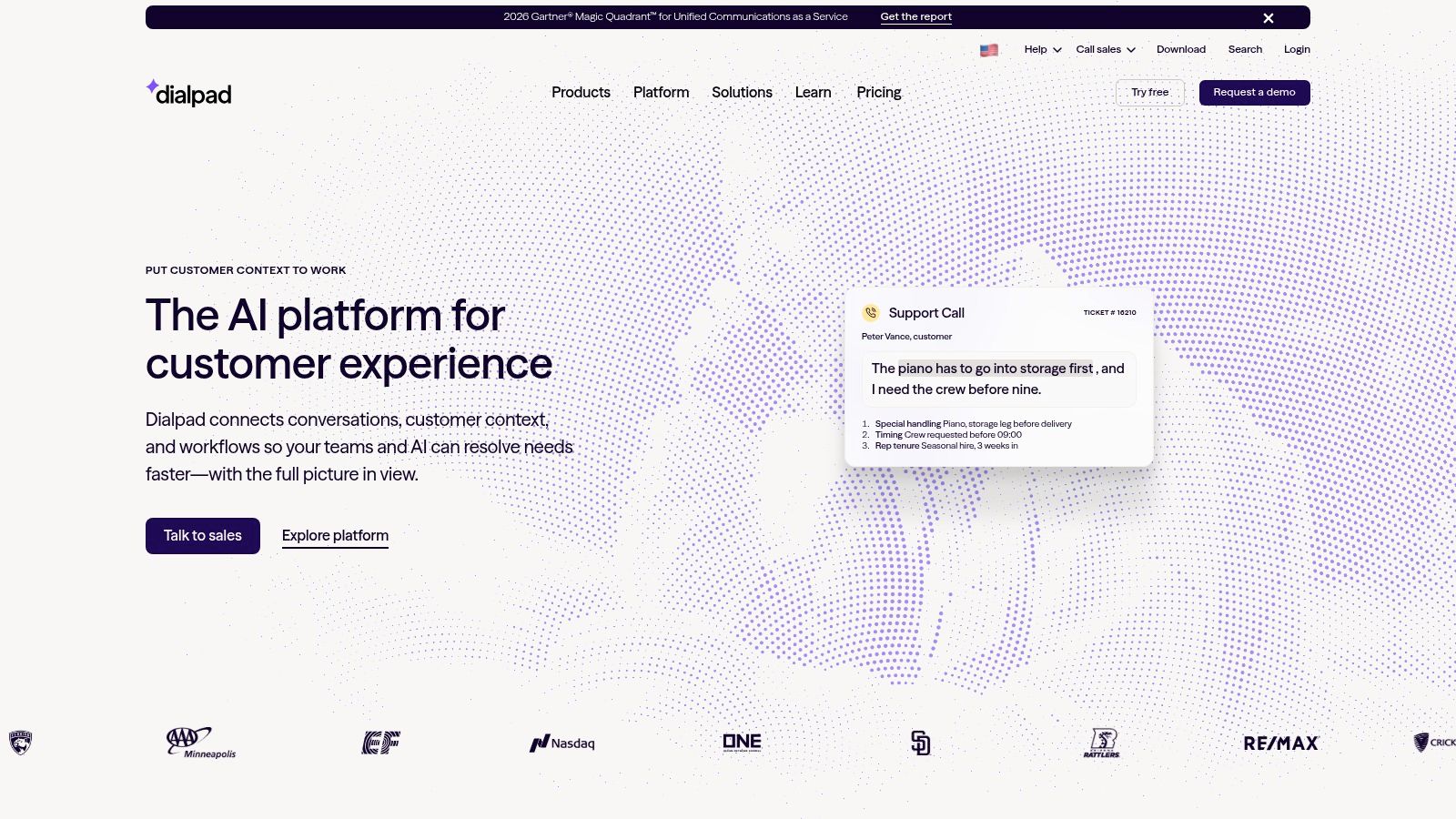
Dialpad makes sense when your team wants call documentation built into a broader business-phone and collaboration platform. Its phone experience includes real-time transcription and post-call recaps, with voicemail transcription and automated action items helping teams capture what happened and what someone needs to do next. See the Dialpad business communications platform for current product and plan details.
For a team that needs to review conversations while work is still moving, live transcription can be more useful than relying on a recording after the fact. Recaps and action items can also give colleagues a starting point when they need to pick up a customer conversation. Dialpad's mobile, desktop, and browser apps support people who don't work from one desk, while higher-tier plans offer CRM integrations.
Where Dialpad fits, and where it doesn't
The trade-off is that Dialpad is a business-phone service, not just a note-taking layer for an existing personal number. You'll need to use its service or port a number, so consider how that affects clients who already have your mobile number saved. The platform also combines calling with meetings and team communication, which can be useful for a growing team but unnecessary for a solo professional.
Annual pricing listed in the supplied plan information starts at $15 per user per month for Standard and $25 for Pro, and Dialpad advertises a 14-day free trial. Confirm which tier includes the CRM connection and support features you need before comparing the headline price.
Practical rule: Test whether a recap captures the specific commitments your team records, not merely a general description of the call.
2. Quo, formerly OpenPhone
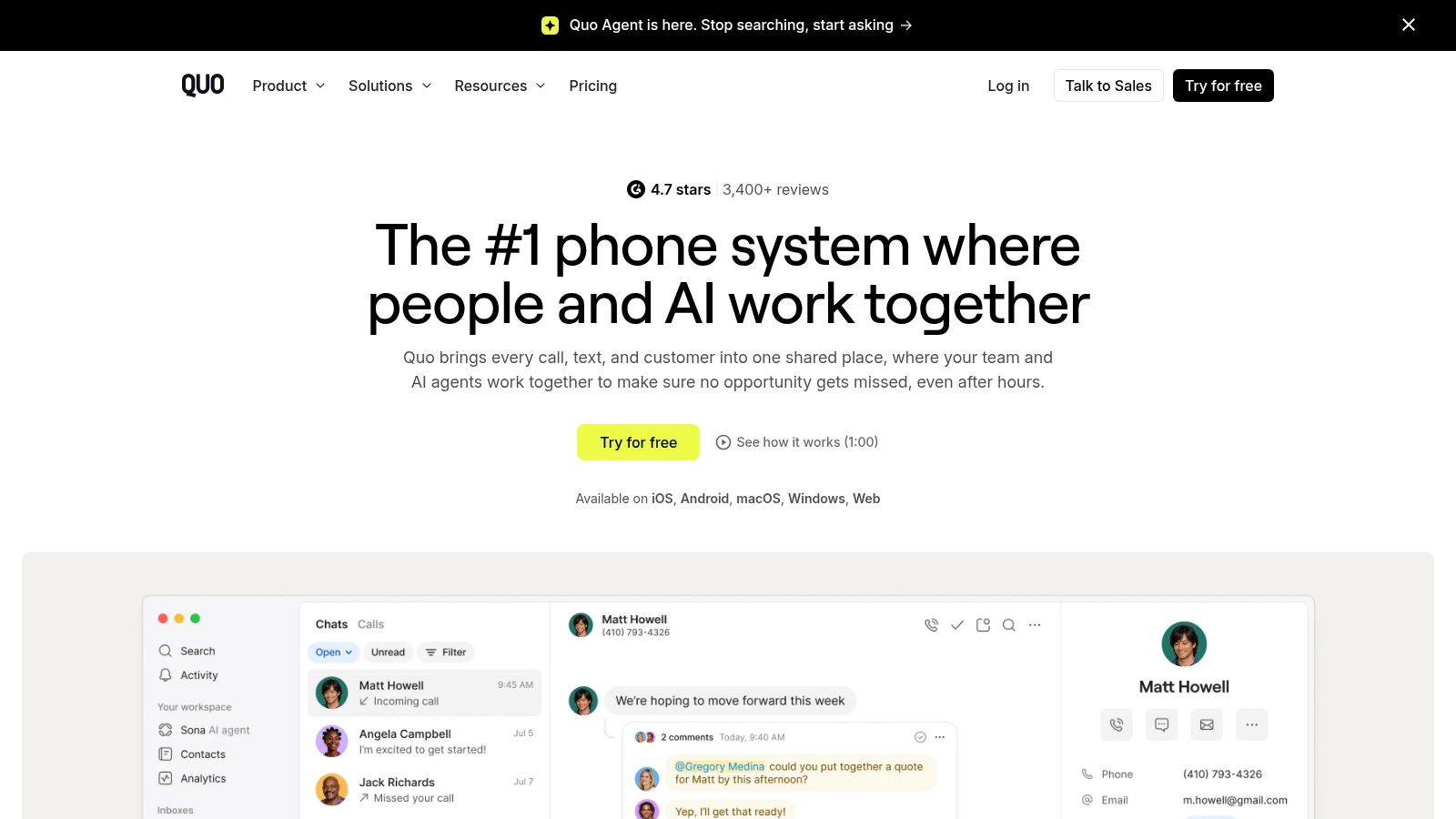
Quo is built around shared customer communication, which makes it a natural candidate for small teams that manage business calls and texts together. Shared numbers, ring groups, menus, transfers, and contact-organized histories help keep conversations visible across a team rather than scattered across individual phones. The Quo business phone service offers web, desktop, and mobile apps.
Its AI call notes can combine summaries with suggested next steps and searchable transcripts that separate speakers and include timestamps. That can be useful when a colleague needs to understand what a customer asked for without listening to the entire call. For more on how those records support review, see this guide to phone call monitoring and documentation.
Check the plan and the call path
The key limitation for an existing-number workflow is that calls run through Quo's phone system. That's different from adding documentation to calls that continue on your established cellular number. AI notes are plan-dependent, are currently available only in English, and HubSpot and Salesforce integrations are listed on Business. Confirm that the language and CRM setup match your team's actual use.
The supplied plan information lists monthly pricing at $19 per user for Starter and $33 for Business, with AI summaries and transcripts included in Business. Billing options can affect price and features, so check the checkout details rather than assuming a feature or rate applies across plans.
Quo suits teams that want a shared business line and a common place for customer conversations. It's less suitable when the central requirement is to preserve the existing mobile call path with no move to another phone service.
3. RingCentral RingEX
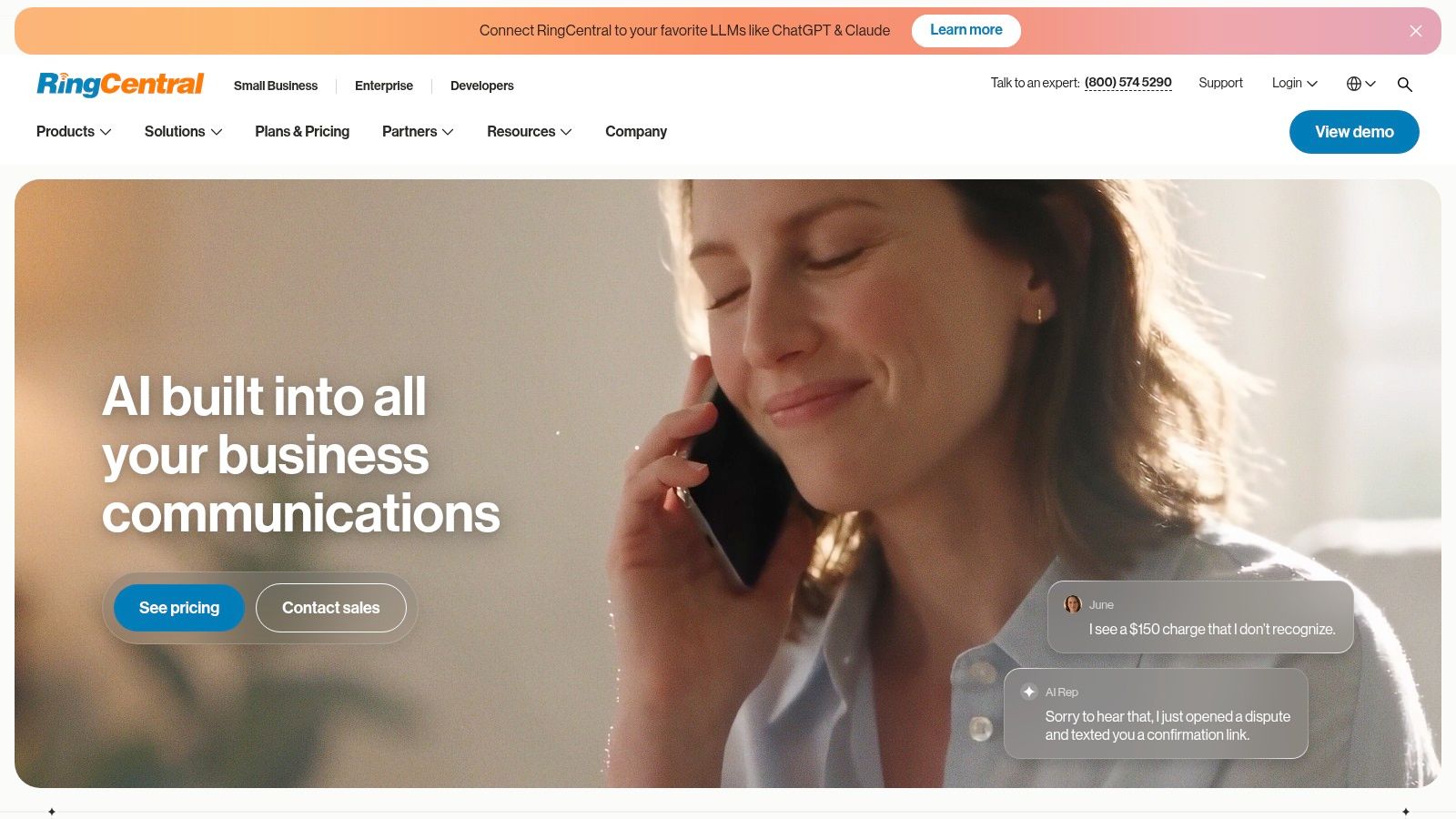
RingCentral RingEX is a broad communications platform, combining business calling with SMS, team messaging, and video meetings. That range is useful for organizations trying to manage several communication channels under one vendor. Its RingEX platform also offers AI call transcription and summaries, with real-time AI notes and action items available on higher tiers.
A practical buying question is whether your team will use more than the phone features. If employees already need messaging and video alongside calls, consolidating services can simplify administration. If the need is mainly to capture a client's commitments and get them into a CRM, the wider platform may add complexity without solving the underlying documentation workflow.
Match AI features to the tier
The supplied annual pricing starts at $20 per user per month, with Advanced at $25 and Ultra at $35. RingEX has multiple tiers, and features such as real-time notes may sit above the entry plan. Compare the exact AI and administration features attached to the plan you're considering rather than assuming every tier handles calls the same way.
RingCentral also offers separate contact-center options, so businesses that need more structured customer-service operations have room to explore beyond a basic phone setup. On the other hand, a professional who wants to keep using an established personal mobile number should test how RingEX handles that particular workflow. A business number and a familiar mobile number aren't interchangeable just because both can receive calls.
A platform can produce detailed notes and still leave the hardest task untouched: getting the right information into the client record your team actually uses.
4. Zoom Phone
Zoom Phone adds business calling to Zoom's workplace platform. It supports calls across multiple devices and Zoom apps, with metered and unlimited calling options for the US and Canada. For organizations already using Zoom, the Zoom Phone service may be a straightforward way to add business telephony without introducing an unrelated communications environment.
The supplied annual prices list $10.50 per user per month for US and Canada Metered and $16 for US and Canada Unlimited. Metered service can be a sensible starting point for low-volume users, but costs can rise with usage. Compare expected call patterns with the plan terms before treating the lower entry price as the final cost.
Verify what the selected plan includes
Zoom Phone includes call recording and domestic SMS/MMS on eligible plans, along with phone administration through a management portal. Its listed integrations include Salesforce, Slack, Microsoft, and Google. Those features can support a team that wants business calling tied to tools it already uses, but eligibility depends on the selected plan.
Don't assume AI features are included just because your organization uses Zoom's broader products. Check AI availability for the specific account and plan, and confirm where transcripts or summaries will be accessible after a call. Zoom Phone is a business-phone service, so it may not document calls made through an existing personal cellular number in the way a mobile-first professional expects.
For teams already standardizing on Zoom, the tool's advantage is a familiar workplace environment. For someone whose main aim is to keep a personal number and add reliable call notes, the fit needs closer testing.
5. Nextiva
Nextiva combines business voice with messaging, video, call routing, mobile apps, and contact-center products. That gives distributed teams a possible route from a conventional phone setup into broader customer-experience tools. The Nextiva communications platform is worth assessing if your team wants more than basic business calling.
The important distinction is which plan includes AI documentation. AI transcription and summaries appear on Scale, while Core and Engage cover other combinations of phone, collaboration, and customer-communication features. Published prices are $15 per user per month for Core, $25 for Engage, and $75 for Scale. Compare the cost of the plan that includes the workflow you need, not the least expensive plan in isolation.
Don't buy a larger package for one feature
Nextiva's call routing and mobile apps can suit teams that work in different places, while contact-center capabilities give larger operations additional options. CRM and business-software integrations may help connect call activity with customer records, but the exact combination should be verified with the vendor. If your team only needs call summaries and a follow-up draft, a package built around broader contact-center needs may be excessive.
For field sellers who need call notes while moving between appointments, it's also useful to think through how information moves from the phone to the next customer task. This guide to phone call note-taking for field sales representatives outlines why post-call capture matters in that kind of work.
Nextiva is better suited to teams considering a wider communications environment than professionals trying to preserve a personal mobile number and improve documentation.
6. Ringover
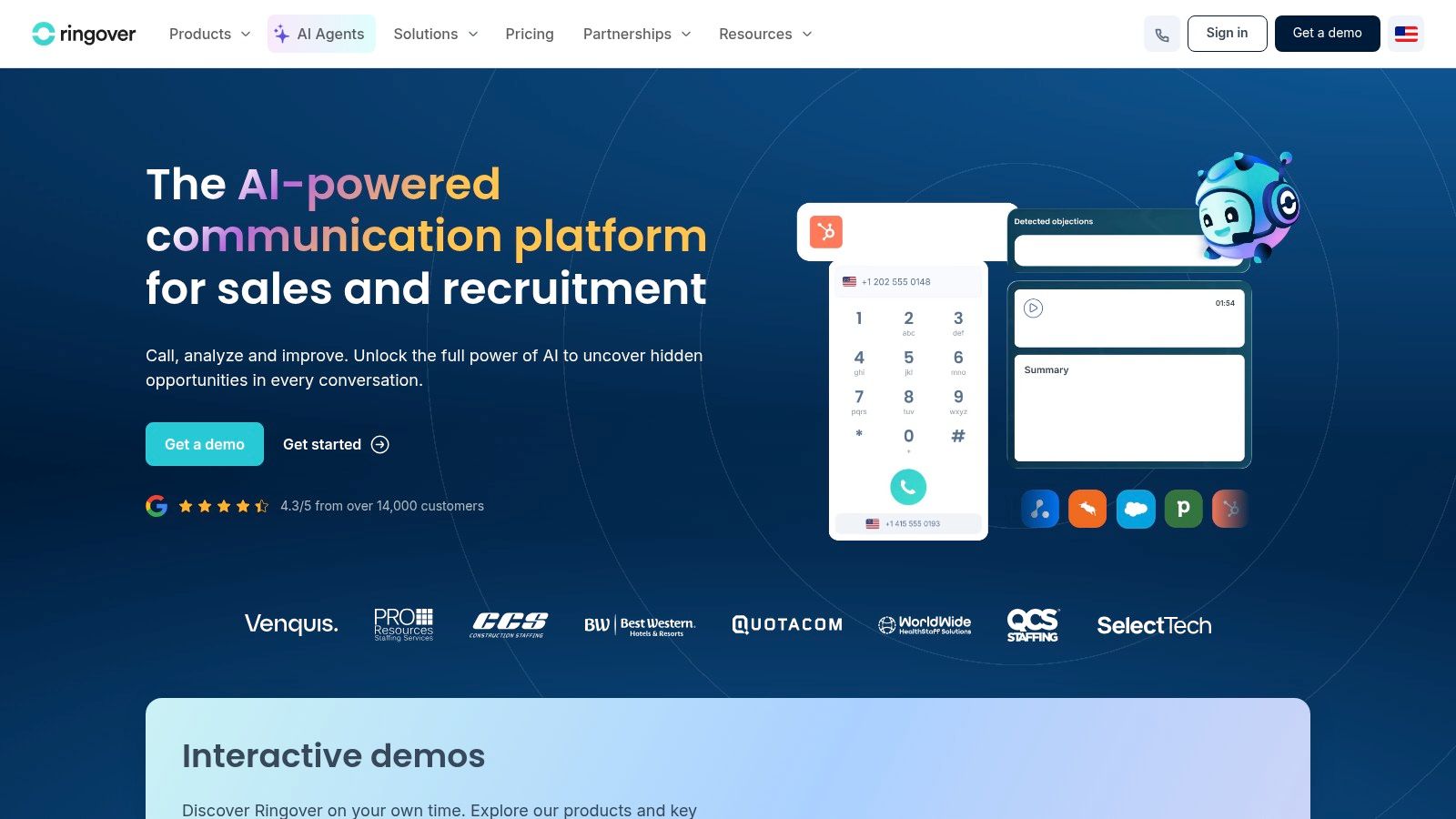
Ringover is a cloud phone platform aimed at business calling, particularly for sales and support teams. Its Talk plan lists call recordings, summaries, and transcriptions, while higher plans add routing, integrations, and coaching features. For a team that needs both call documentation and supervision tools, the Ringover platform offers more than a standalone phone app.
The supplied plan details list Talk at $15 per user per month and Business at $47 on annual billing. Both plans have a three-user minimum and a 12-month commitment. That makes the advertised per-user price only part of the buying decision. A solo advisor or very small practice may be paying for seats and a term that don't fit its day-to-day operation.
Useful for teams, less so for one mobile line
Ringover's higher-tier options include advanced IVR, analytics, coaching, and integrations, with mobile and web apps for staff who work away from a desk. International-number options may also help teams that communicate across borders. These capabilities are valuable when managers need routing and visibility across multiple agents.
But if you're an independent professional who mainly wants to document calls made on an established mobile number, Ringover may be more phone system than you need. Check whether the intended AI functions are part of the chosen plan or require an add-on, and test how call records reach your CRM. A summary that remains isolated from the client record may still leave someone doing manual transfer work.
The main buying lesson is to calculate the commitment for the whole team and confirm the exact feature bundle before moving numbers or workflows.
7. CloudTalk
CloudTalk focuses on business telephony for sales and support teams, with international numbers and call-center routing. Its AI Conversation Intelligence add-on offers post-call transcription, summaries, sentiment and topic information, and CRM exports. For a team that needs to turn conversations into searchable records and push information into a CRM, the CloudTalk platform is worth comparing.
The add-on is listed at $9 per agent per month, while annual Starter pricing begins at €25 per user per month in the supplied plan information. Check local pricing and the combined cost of the plan and AI add-on. Transcription is generated after calls rather than live, so teams that need in-call prompts or live coaching should verify that CloudTalk meets that requirement.
Test the handoff, not just the summary
CloudTalk's sales and support orientation shows up in its CRM exports for HubSpot, Salesforce, and Pipedrive, as well as its routing features and mobile, desktop, and browser apps. The vendor says basic plans can start with one user, and a free trial is listed. Those details make it possible to explore the fit without assuming a larger contact center is required.
The key question is whether the exported record includes the details your staff need to continue the work. Test timestamps, speaker attribution, relevant figures, and next actions, then check that the CRM doesn't create duplicate or incomplete entries. For teams that record calls or supervise communication, consider the operational questions in this guide to phone call monitoring.
CloudTalk may be excessive for someone who doesn't need queues, international numbers, or contact-center tools. It's a better fit when those functions are part of the actual workflow, not merely future possibilities.
8. JustCall
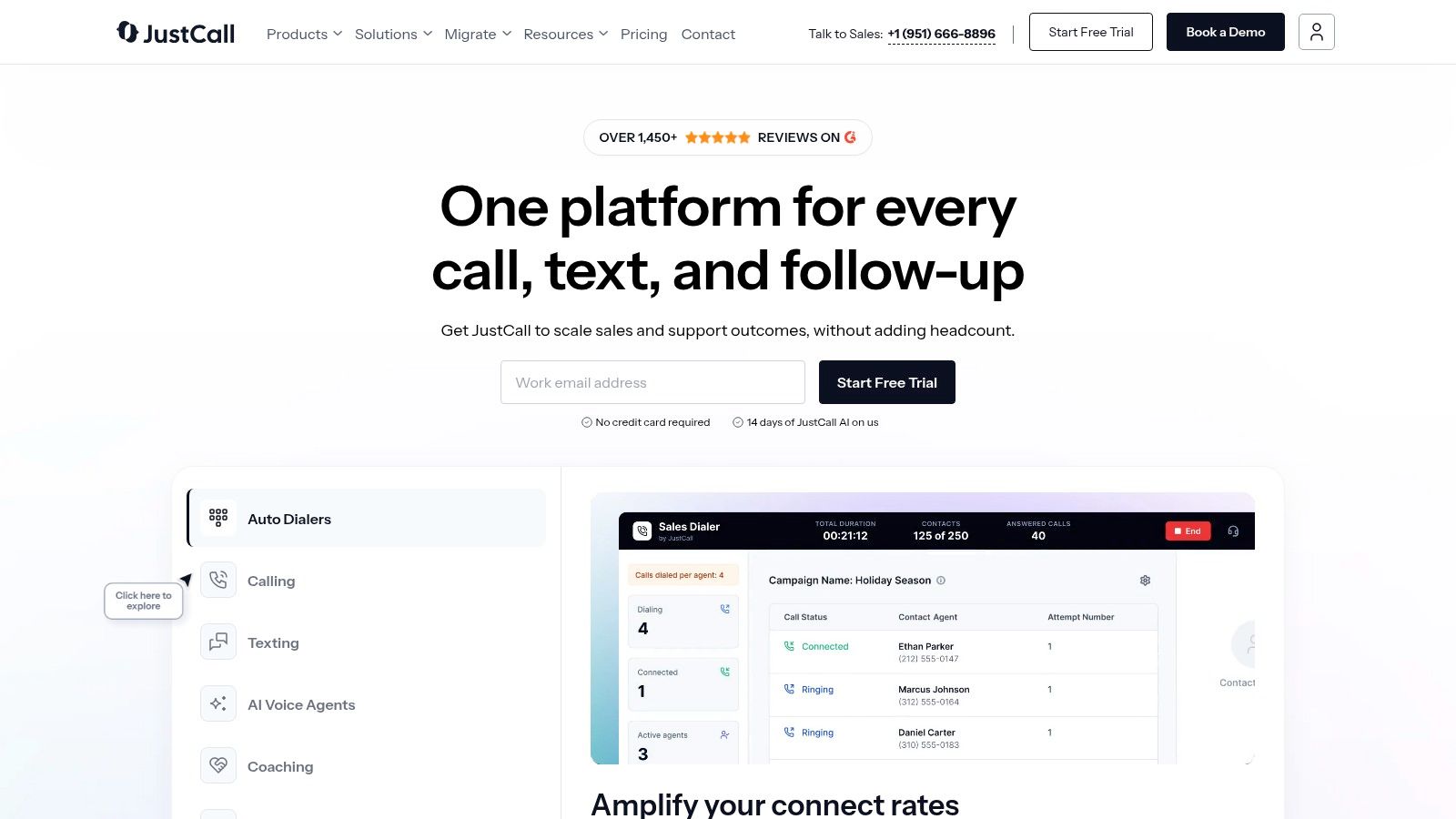
JustCall is designed around business calling and messaging, with sales-oriented features such as dialers, CRM integrations, call analytics, and AI transcription. If your team makes outbound calls and wants activity to feed into sales workflows, the JustCall platform offers more targeted tooling than a basic business phone app.
The supplied plan information lists Team at $29 per user per month annually or $39 monthly. AI features and sales tiers may cost more or require a quote, and transcription allowances should be confirmed. That distinction matters: a low entry price doesn't tell you what a team will pay when it adds the features and usage it needs.
Stronger for outbound than simple client follow-up
Higher plans include dialer and monitoring features, plus team analytics and call-scoring options. CRM and helpdesk integrations can help connect calls to customer activity. A 14-day trial is listed, which gives teams a chance to test call quality and the CRM handoff before committing.
JustCall may be more than necessary for a practice that mainly takes inbound client calls and needs accurate summaries after each conversation. Sales-dialer tools won't solve a documentation problem if staff still need to review calls, rebuild notes, and manually decide what happens next. Confirm the AI minute allowance, plan-specific features, and any usage charges before comparing the total cost.
For teams with an outbound motion, JustCall's sales features are relevant. For a solo professional preserving an established mobile number, first check whether adopting a separate business-phone workflow is an acceptable change.
9. 8x8
8x8 combines cloud business calling with video, team messaging, contact-center features, and phone service in multiple countries. Its business-phone offering lists auto-attendants, ring groups, queues, recording, and integrations with tools such as Salesforce, Zendesk, Microsoft Dynamics, and Google Workspace. The 8x8 platform may suit multi-location teams that need administration and call routing across a broader operation.
The product materials also list post-call transcription, AI summaries, and action items. Those functions connect call handling to follow-up, but the team should confirm which plan includes them and whether they work with the intended call setup. Business-phone pricing is quote-based, so the buying process may take more effort than comparing public per-user prices.
When breadth is an advantage
8x8 supports desktop, web, and mobile apps, with optional desk phones. That range can be useful when some staff work from an office and others take calls on the move. Global phone-service options may also fit organizations operating across borders, while routing and administration tools can help coordinate multiple locations.
For independent professionals, the same breadth may be unnecessary. If you don't need queues, desk phones, or centralized administration, a full communications platform may create more setup and configuration than the call workflow warrants. Ask about AI eligibility, supported languages, retention, and where call records can be exported before treating transcription as a solved problem.
8x8 is strongest as a candidate for teams evaluating their whole communications environment. It's not an obvious fit if the narrow need is to keep one existing mobile number and make client-call details easier to retrieve.
10. Ooma Office
Ooma Office offers small organizations a business-phone service with plans ranging from core calling to a Pro Plus tier that includes AI transcription, AI insights, and CRM integration. Its Ooma Office service also lists a mobile app and virtual receptionist, with desktop apps, messaging, and video features on higher tiers.
The plan prices are $19.95 per user per month for Essentials, $24.95 for Pro, and $29.95 for Pro Plus. Public plan pricing makes it easier to estimate an initial subscription, but the features that matter for call documentation are not listed on every tier. AI transcription and CRM integration, for example, are associated with Pro Plus.
Consider whether you want a new phone service
Ooma's core plans cover conventional small-business calling needs. Pro Plus adds a combination of transcription, insights, call queuing, and CRM integration, which may suit a small team that wants those functions as part of its business phone system. Verify transcript, summary, language, and CRM capabilities against the exact client workflow you plan to support.
The main limitation is categorical: Ooma replaces a business phone service, rather than just documenting calls on an existing mobile number. If clients already use your personal or established professional number, migration can involve forwarding, contact continuity, and separate personal-versus-business call handling. Don't choose based on plan price alone until you've decided whether moving the call path is acceptable.
Top 10 Aircall Alternatives: Feature Comparison
| Service | Call Setup & Core Tools | AI Documentation | Standout Value | Best Fit & Indicative Price |
|---|---|---|---|---|
| VoxNote | ✨ Uses your existing iPhone number via call forwarding; incoming and outgoing calls | Transcripts, summaries, follow-up email drafts; multilingual detection | 🏆 No separate business line or in-call notetaker; encrypted records | 👥 Professionals keeping their current number; 💰 price not provided |
| Dialpad | Cloud business phone with mobile, desktop, and browser apps | ★ Real-time transcription, recaps, voicemail transcripts, action items | ✨ Calling, meetings, and collaboration in one platform | 👥 Sales, support, and business teams; 💰 $15/user/mo annual |
| Quo (formerly OpenPhone) | Business calling and texting with shared numbers and team workflows | Summaries, next steps, searchable transcripts on Business | ✨ Shared inboxes and contact-centered call history | 👥 Teams sharing customer communications; 💰 $19/user/mo Starter; $33 Business |
| RingCentral RingEX | Business calling, messaging, and video meetings | Transcription and summaries; real-time notes on higher tiers | 🏆 Broad communications platform with scalable plans | 👥 Organizations needing a unified platform; 💰 from $20/user/mo annual |
| Zoom Phone | Cloud calling across Zoom apps and devices | AI availability depends on account and plan | ✨ Lower-cost metered calling option | 👥 Teams already using Zoom; 💰 $10.50/user/mo metered; $16 unlimited |
| Nextiva | Business voice, SMS, video, routing, and mobile apps | Transcription and summaries on Scale | ✨ Path from business phone service to contact-center tools | 👥 Distributed teams and larger service operations; 💰 from $15/user/mo; AI on $75 Scale |
| Ringover | Cloud business phone with local or toll-free numbers | Call recordings, transcription, and summaries on Talk | ✨ International numbers plus routing and coaching options | 👥 Sales and support teams; 💰 Talk $15/user/mo, 3-user minimum and 12-month term |
| CloudTalk | Business telephony with international numbers and call-center routing | Post-call transcription, summaries, sentiment, and topics via add-on | ✨ CRM exports and conversation insights | 👥 Sales and support teams; 💰 AI add-on $9/agent/mo; Starter from €25/user/mo annual |
| JustCall | Business calling and messaging with dialers and integrations | AI transcription and summaries on eligible plans | ✨ Sales analytics, call scoring, and CRM workflows | 👥 Sales teams; 💰 Team $29/user/mo annual; AI pricing may vary |
| 8x8 | Unified calling, video, messaging, routing, and mobile apps | Post-call transcription, AI summaries, and action items | ✨ Global phone service and extensive administration tools | 👥 Multi-location and international businesses; 💰 quote-based |
| Ooma Office | Small-business phone service with mobile app and virtual receptionist | AI transcription and insights on Pro Plus | ✨ Public pricing; Pro Plus includes CRM integration | 👥 Small organizations replacing or setting up business phone service; 💰 from $19.95/user/mo; Pro Plus $29.95 |
Match the Tool to the Work You Actually Do
Start with the workflow that creates the most friction, not the longest feature list. If your team shares customer conversations and needs CRM connections, compare Quo, JustCall, and CloudTalk based on the way they handle call records, user access, and follow-up. If your organization already relies on Zoom or needs a broad communications platform, Zoom Phone or RingCentral may be a more natural fit. Teams with multi-location, international, or contact-center requirements can also consider 8x8, Ringover, or Nextiva.
Independent professionals should evaluate a different question: Can the tool document calls without replacing the established mobile number clients already use? Full business-phone systems can be the right choice when a team needs shared numbers, administration, routing, and dedicated business calling. They may be excessive when the core problem is remembering commitments and updating client records after a call.
VoxNote is one example of a narrower workflow. Its iPhone application uses call forwarding on an existing number to document incoming and outgoing calls, then provides transcripts, summaries, and editable follow-up drafts. A web application makes previous records available from a computer, and its Pro plan includes CRM summary delivery through integrations built by the VoxNote team. That's a different proposition from replacing Aircall with another multi-seat phone system, so assess it on those terms.
Before choosing, run a real call through the trial or evaluation process. Check where the transcript appears, whether the summary captures relevant figures and decisions, how the tool handles languages you use, and whether the next action reaches the right CRM record. Confirm recording consent and retention requirements for your work, and calculate any usage-based charges or plan upgrades. A polished summary that doesn't reach the client file can still leave staff doing the same reconstruction and copy-paste work.
For a broader view of hosted calling options, use this guide to compare business VoIP options. The right replacement is the one that fits the way your team handles conversations, not just the one with the longest feature list.
If your work depends on calls made through an established iPhone number, VoxNote provides transcripts, call summaries, and editable follow-up drafts without requiring a separate business number. Visit VoxNote to see whether that documentation-first workflow fits your client calls better than moving to another full phone system.